
Servers and NAS for businesses
A file server, NAS or cloud server, with tidy permissions and backup.
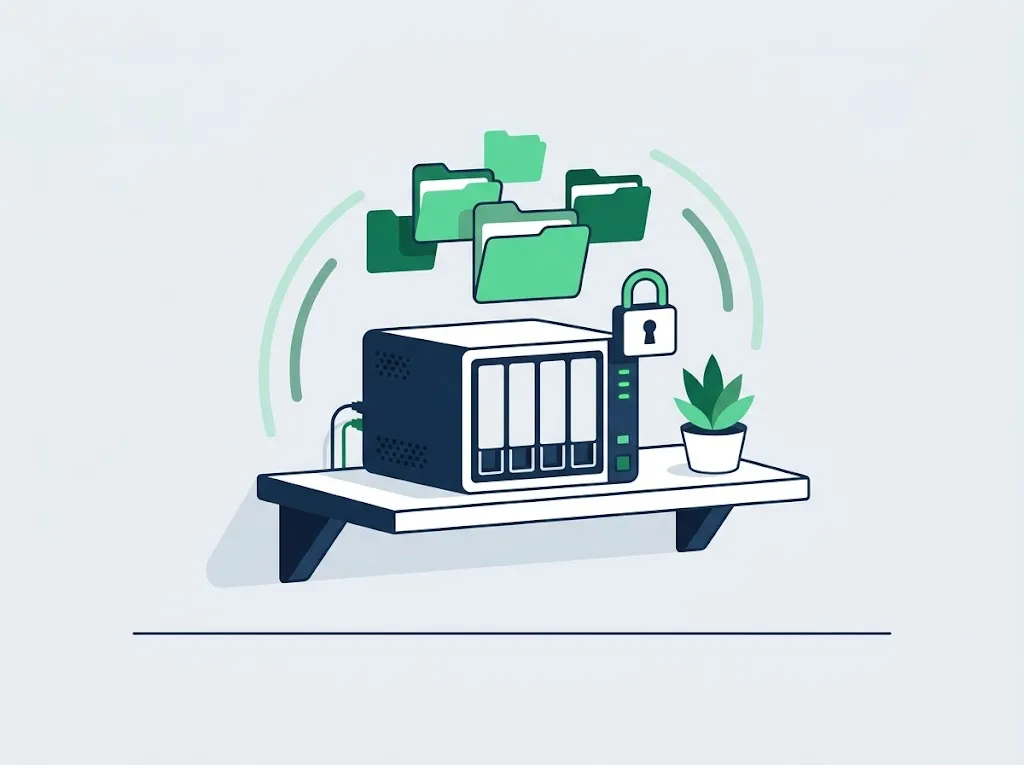
What's included
- A file server or NAS (for example Synology) for the business's shared files
- Windows Server and Active Directory: users, groups and permissions
- Permissions by role: each employee sees only what they need
- A move to a cloud server when it fits better than a server in the office
- Monitoring, updates and backup of the server
When you need it
If one of these sounds familiar, it is worth a conversation.
- The shared files live on one employee's computer
- The office server is old and nobody knows what runs on it
- Every employee can open every folder, including payroll and contracts
What it costs
The price depends on the scope of work and the number of workstations. After the office survey we send a written quote.
The user accounts, passwords and network documentation belong to the business. Leaving us? You get everything, in order. A monthly retainer is cancelled with 30 days notice.
Questions we hear a lot
A server in the office or in the cloud?
It depends on the software the business runs and on the internet connection. For most small businesses, files in the cloud are enough, but software that requires a local server, or heavy files, justify a NAS or a server in the office.
Related services
It starts with an office survey
We come over, check backups, updates, Wi-Fi and permissions, and leave a written list of what we found. After the survey we send a written quote. Tell us how many employees you have and what is annoying, and we will get back to you within one business day.
A monthly retainer is cancelled with 30 days notice. The user accounts, passwords and network documentation belong to the business. Leaving us? You get everything, in order.