
Office network and Wi-Fi
Wi-Fi that reaches every room, a tidy comms cabinet, a firewall and a VPN for working from home.
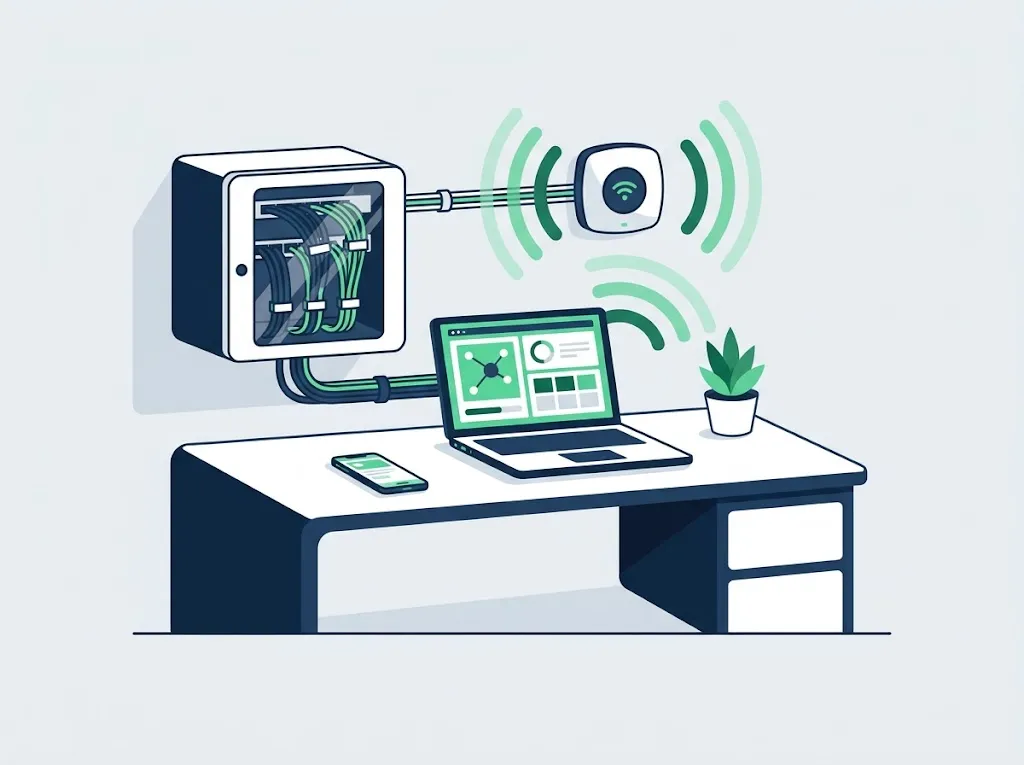
What's included
- Network design for a new or existing office: network points, switches and access points
- Business Wi-Fi that covers the whole office, with a separate guest network
- Tidying the comms cabinet and labeling the cables, so you know what is connected where
- Firewall and security settings at the edge of the network
- VPN for employees who work from home
- Monitoring and maintenance of the equipment, and firmware updates
When you need it
If one of these sounds familiar, it is worth a conversation.
- The Wi-Fi drops in the meeting room or at the far end of the office
- The comms cabinet is a tangle of cables nobody dares to touch
- Cameras, printers and employee computers sit on the same network as guests
- People working from home email files to themselves because there is no proper access to the office
How it works
- Survey We come over, check the equipment, the coverage and the connections, and write down what you have.
- Proposal What needs to change, what can stay, and what it costs.
- Build and document We install, configure, and leave you with documentation of the network.
What it costs
The price depends on the scope of work and the number of workstations. After the office survey we send a written quote.
The user accounts, passwords and network documentation belong to the business. Leaving us? You get everything, in order. A monthly retainer is cancelled with 30 days notice.
Further reading
- Tidying the comms cabinet: when it is needed, and what to ask forA messy comms cabinet does not just look bad in a photo. It turns every fault into an hour-long search, and takes the office down when someone pulls the wrong cable.
Questions we hear a lot
Do we need to replace all the equipment?
Not always. The survey checks what works and what is better left in place, and we propose replacing only what really gets in the way of your work.
Can we have a separate network for guests?
Yes. A guest network that is isolated from the computers, printers and server of the business is part of setting up office Wi-Fi properly.
Do you set up a VPN for working from home?
Yes. An employee connecting from home gets secure access to the office files and systems, and a user who leaves is shut off with one click.
It starts with an office survey
We come over, check backups, updates, Wi-Fi and permissions, and leave a written list of what we found. After the survey we send a written quote. Tell us how many employees you have and what is annoying, and we will get back to you within one business day.
A monthly retainer is cancelled with 30 days notice. The user accounts, passwords and network documentation belong to the business. Leaving us? You get everything, in order.