
Cloud backup for businesses
Automatic backup of the computers, the server and Microsoft 365, and a check that restoring really works.
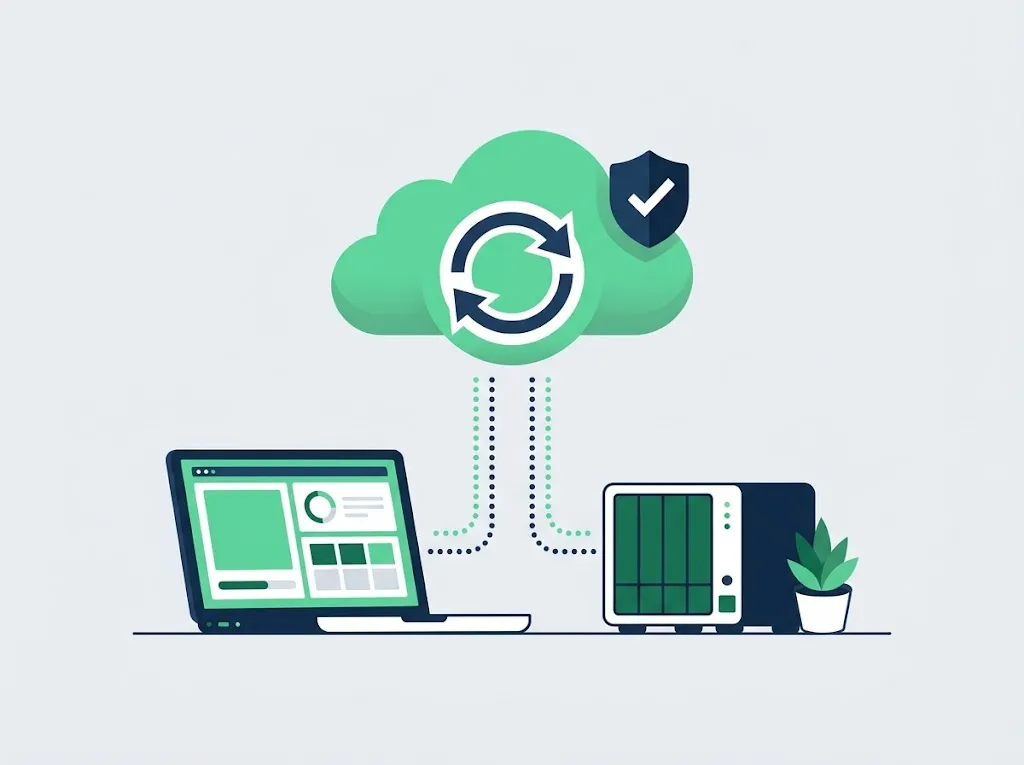
What's included
- Automatic backup of the computers and the server, in the cloud and in the office
- Backup of Microsoft 365: email, OneDrive and SharePoint
- An alert when a backup did not run, not just a report nobody reads
- Periodic restore test: we actually restore a file, not just look at the backup being 'green'
- Previous versions kept, so you can go back to a file from before it was deleted or encrypted
When you need it
If one of these sounds familiar, it is worth a conversation.
- You are not sure when the last backup ran
- The backup is an external drive someone plugs in 'when they remember'
- You assumed Microsoft 365 backs up your email by itself
- You have never tried restoring anything from the backup
How it works
- Mapping What needs backing up: computers, server, email, software with a database.
- Setup Automatic backup, in the cloud and in a second copy, with alerts.
- Restore test We actually restore and make sure the files come back.
What it costs
The price depends on the scope of work and the number of workstations. After the office survey we send a written quote.
The user accounts, passwords and network documentation belong to the business. Leaving us? You get everything, in order. A monthly retainer is cancelled with 30 days notice.
Further reading
- Does Microsoft 365 back up your business?In short: there is a recycle bin, and there is a recovery window of 14 to 93 days, depending on what was deleted. That is not a backup. Anything deleted earlier than that, or the email of an employee deleted without preparation, does not come back.
Questions we hear a lot
Doesn't Microsoft 365 back up email by itself?
Microsoft keeps the service available, but an email deleted by mistake or encrypted is kept on their side only for a limited time. A separate backup of 365 lets you go back to older files and email as well.
What is the difference between sync and backup?
Sync (like OneDrive) copies every change, including a deletion or encryption. Backup keeps previous versions, so you can return to a file as it was before the incident.
How often do you test a restore?
We test a restore regularly and record the result, so we know the backup really works and does not just look fine.
It starts with an office survey
We come over, check backups, updates, Wi-Fi and permissions, and leave a written list of what we found. After the survey we send a written quote. Tell us how many employees you have and what is annoying, and we will get back to you within one business day.
A monthly retainer is cancelled with 30 days notice. The user accounts, passwords and network documentation belong to the business. Leaving us? You get everything, in order.